1Account
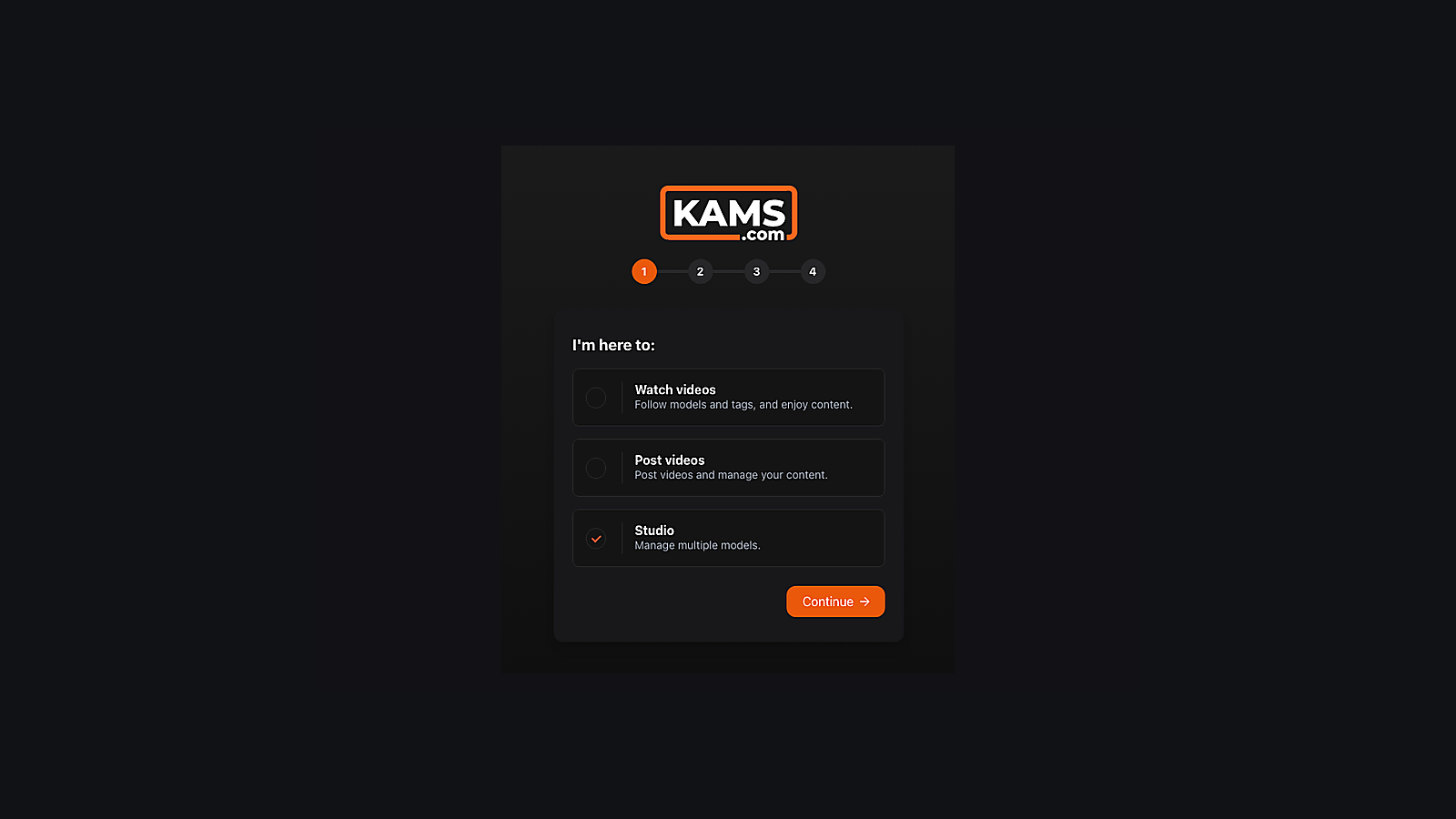
Create a Studio or Agency account.
Start at Kams.com and choose the account type that matches how you manage creators.
Create the studio account,verify the model, connect her OnlyFans,add funds, then upload the first videoso promotion can begin.
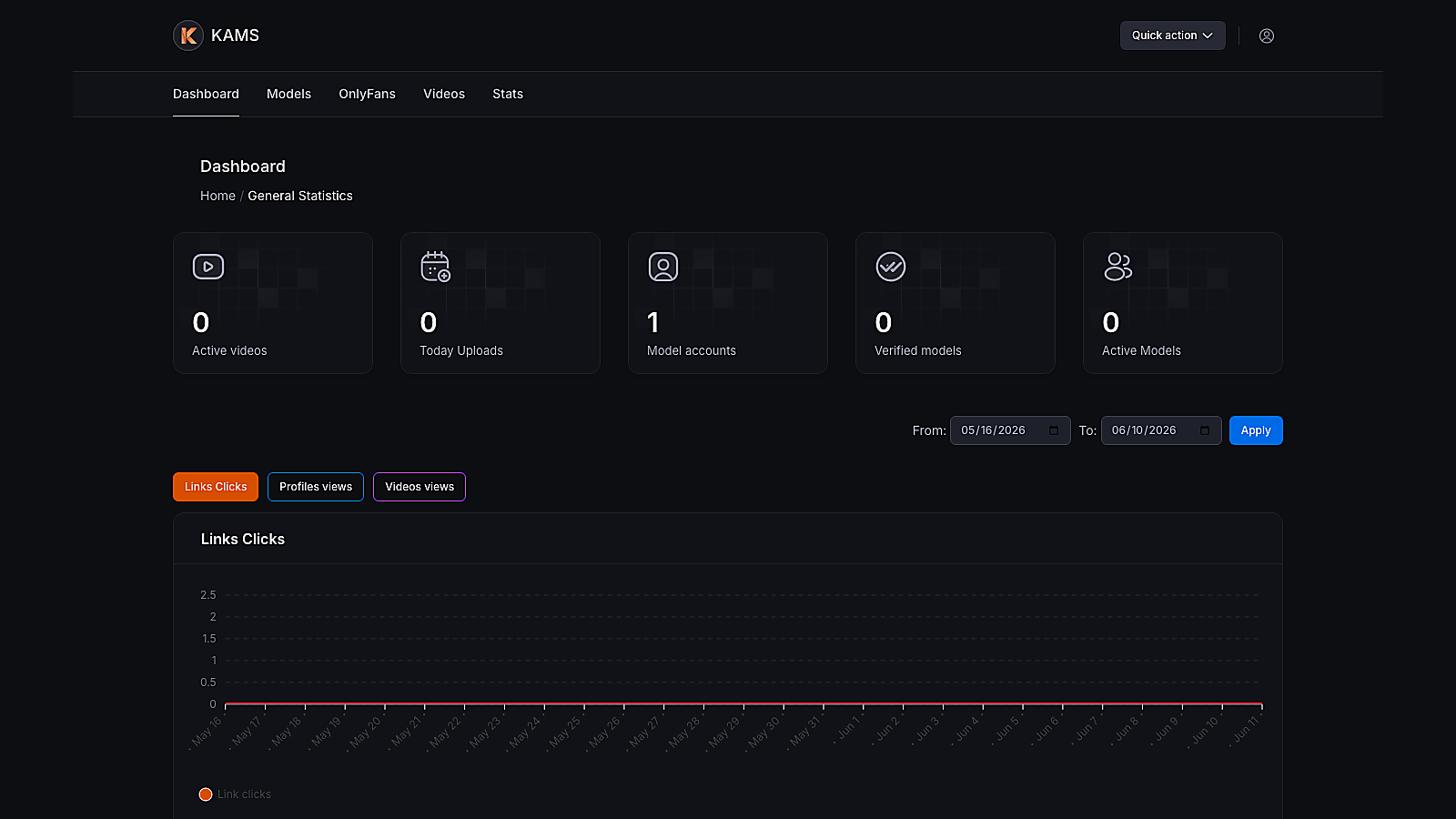
After login, the same top navigation carries the setup into Models, OnlyFans funding, video upload, and stats.
Each step unlocks the next one. Do the account work first, finish the model profile, then start promotion from the OnlyFans dashboard.
Start at Kams.com and choose the account type that matches how you manage creators.
Open the verification email and confirm the address before logging in.
Use the same credentials. This handoff will be cleaned up to one login, but the access is the same.
Go to Models, then Add model. Create the model admin page before connecting OnlyFans.
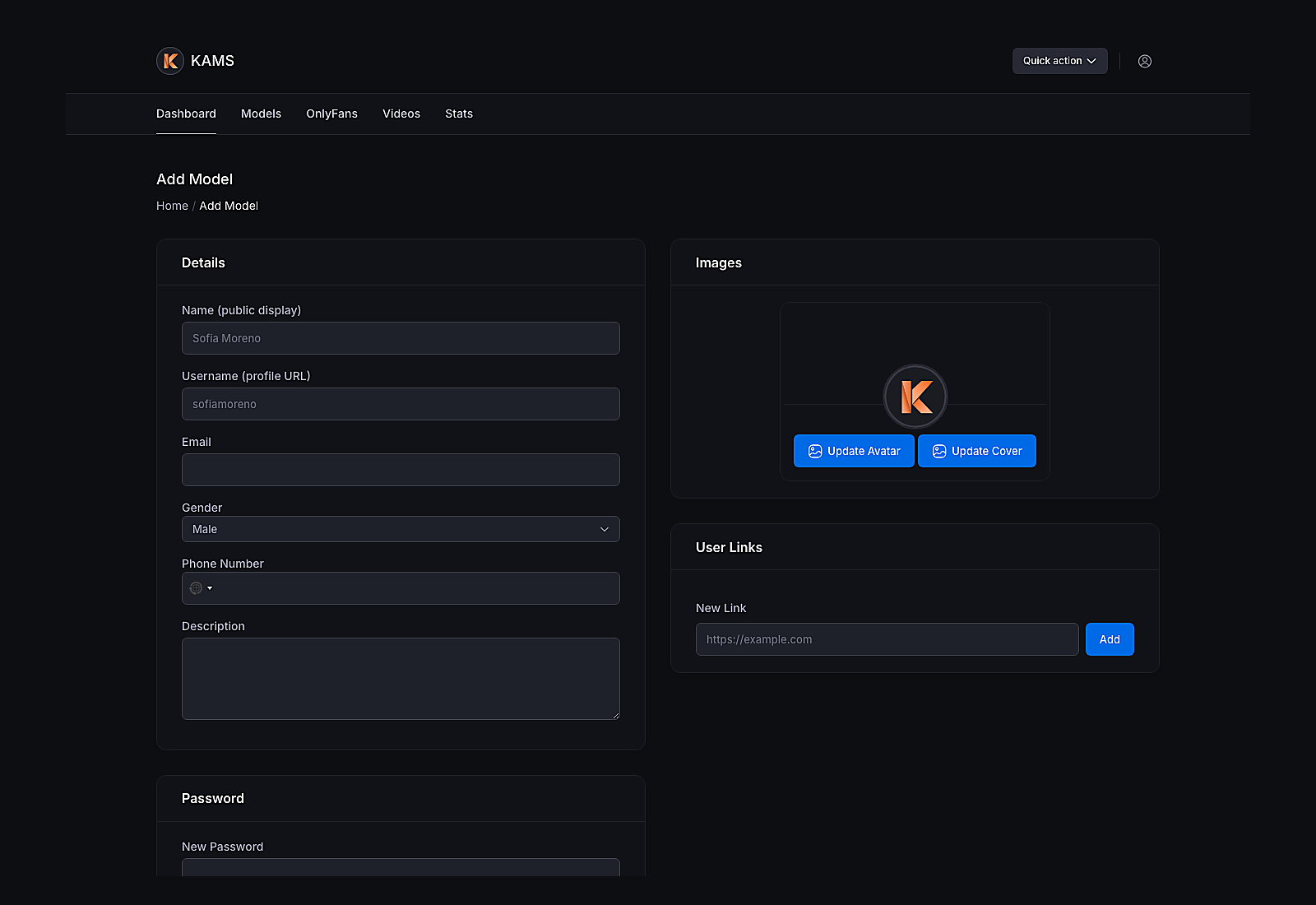
Upload the required verification documents so the model is cleared for promotion.
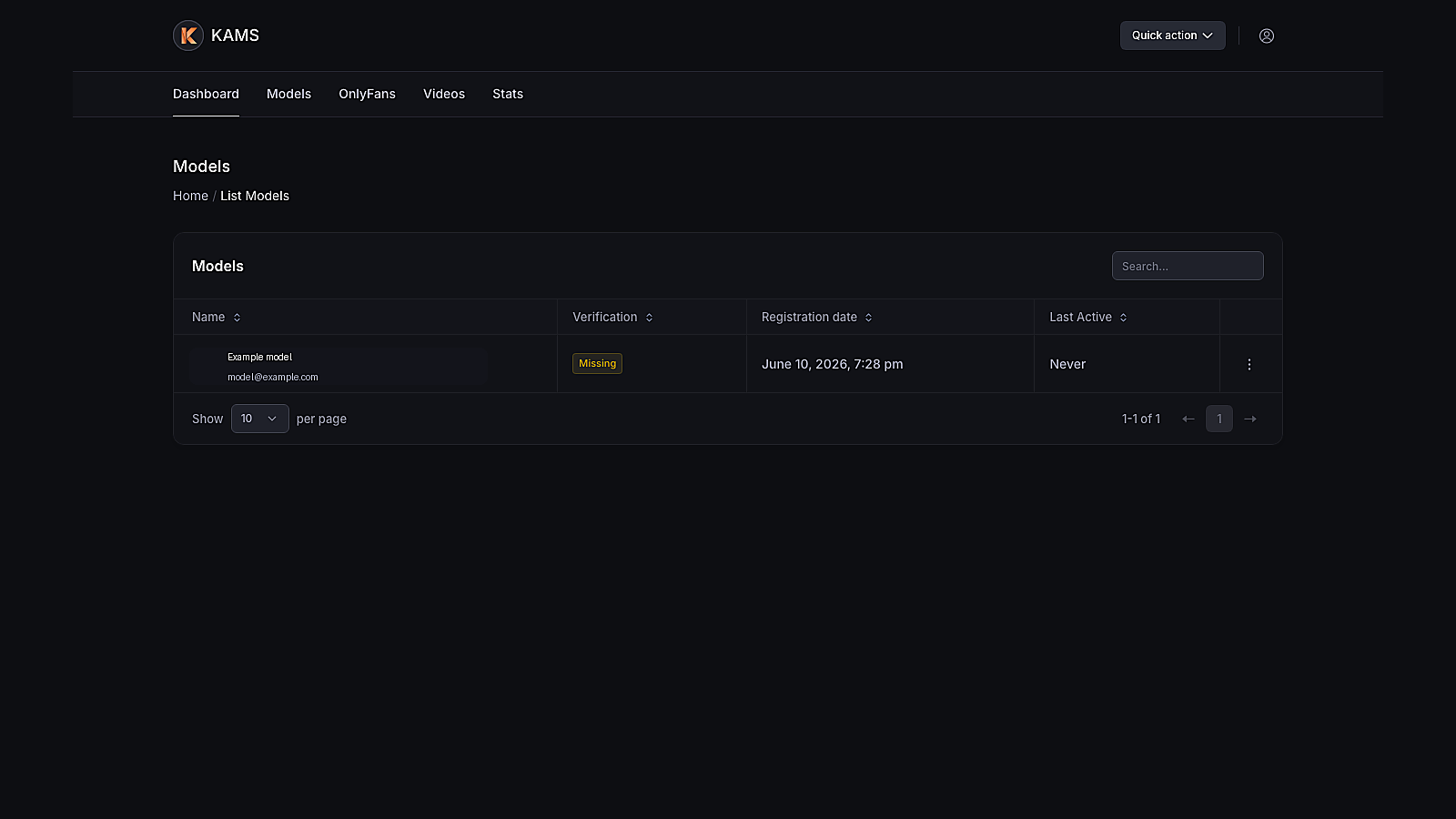
From the model admin page you just created, connect the model's OnlyFans account through OF Connect.
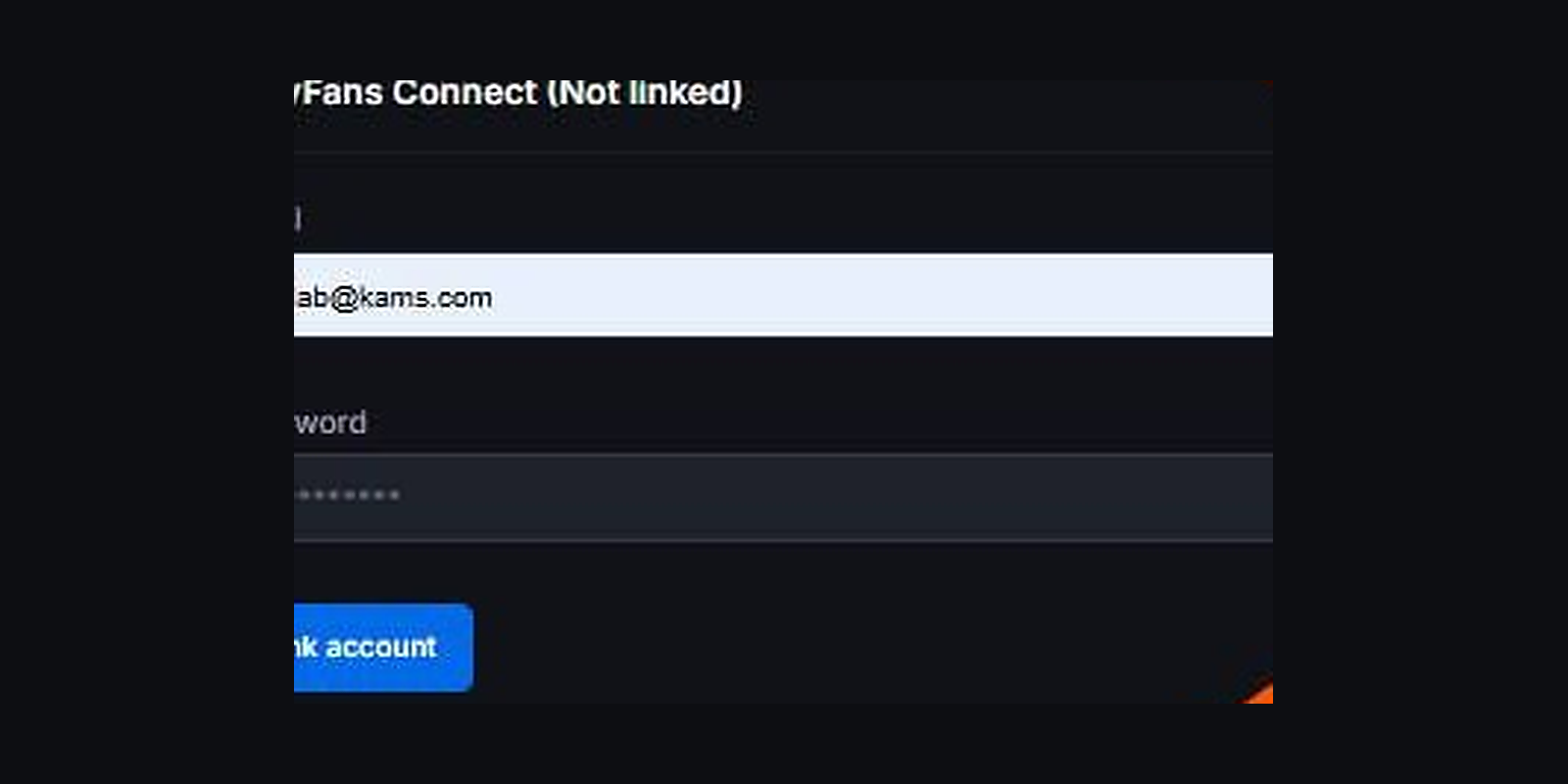
Stay in the same model admin area and save the model's public OnlyFans profile link.
Use the OnlyFans navigation item inside the control panel to open the dashboard.
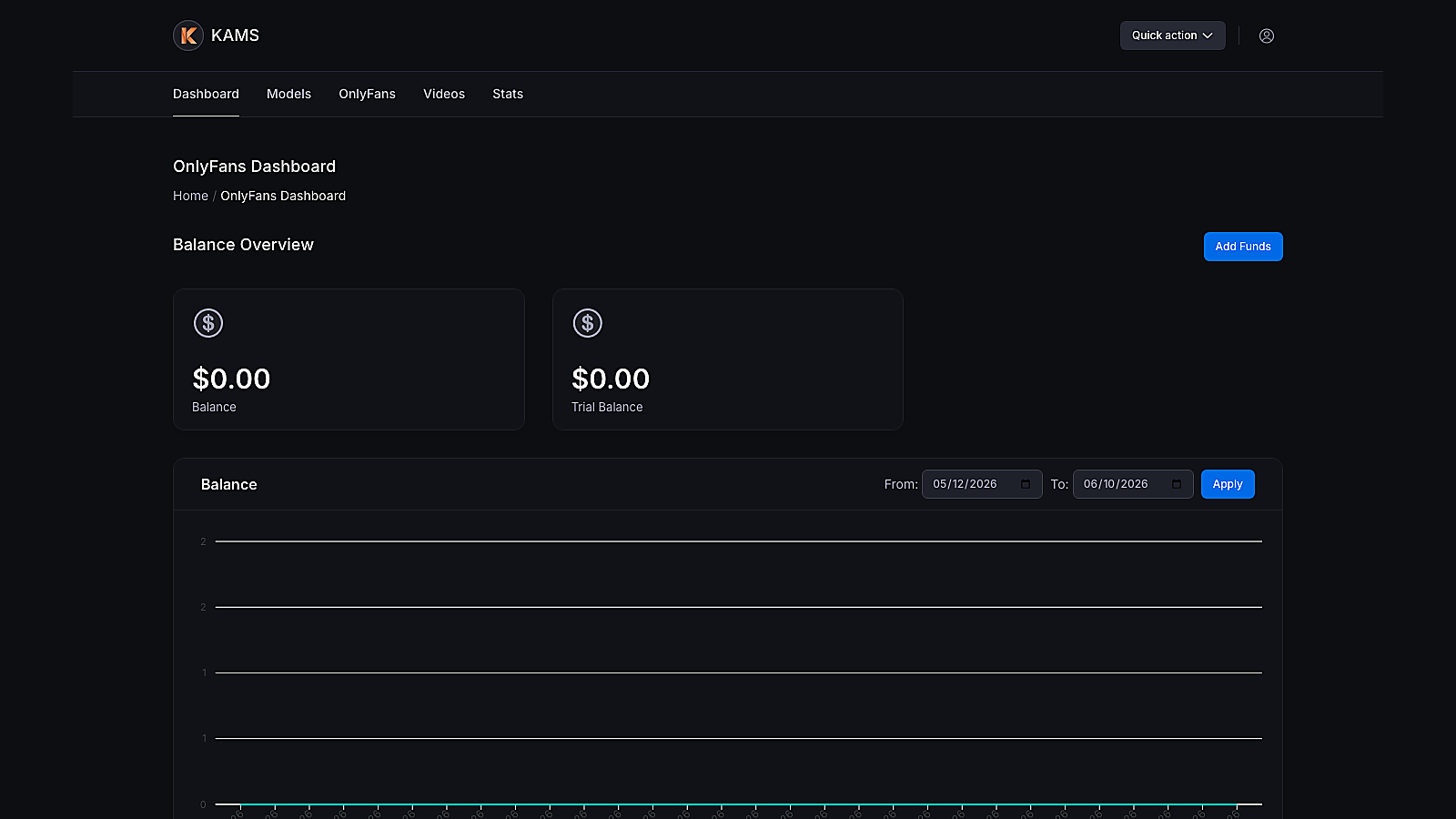
Click Add Funds. The OFClicks funding popup should open from the dashboard.
Once the video is uploaded, the system can begin promoting the model to attract new customers and refer them to her OF account.
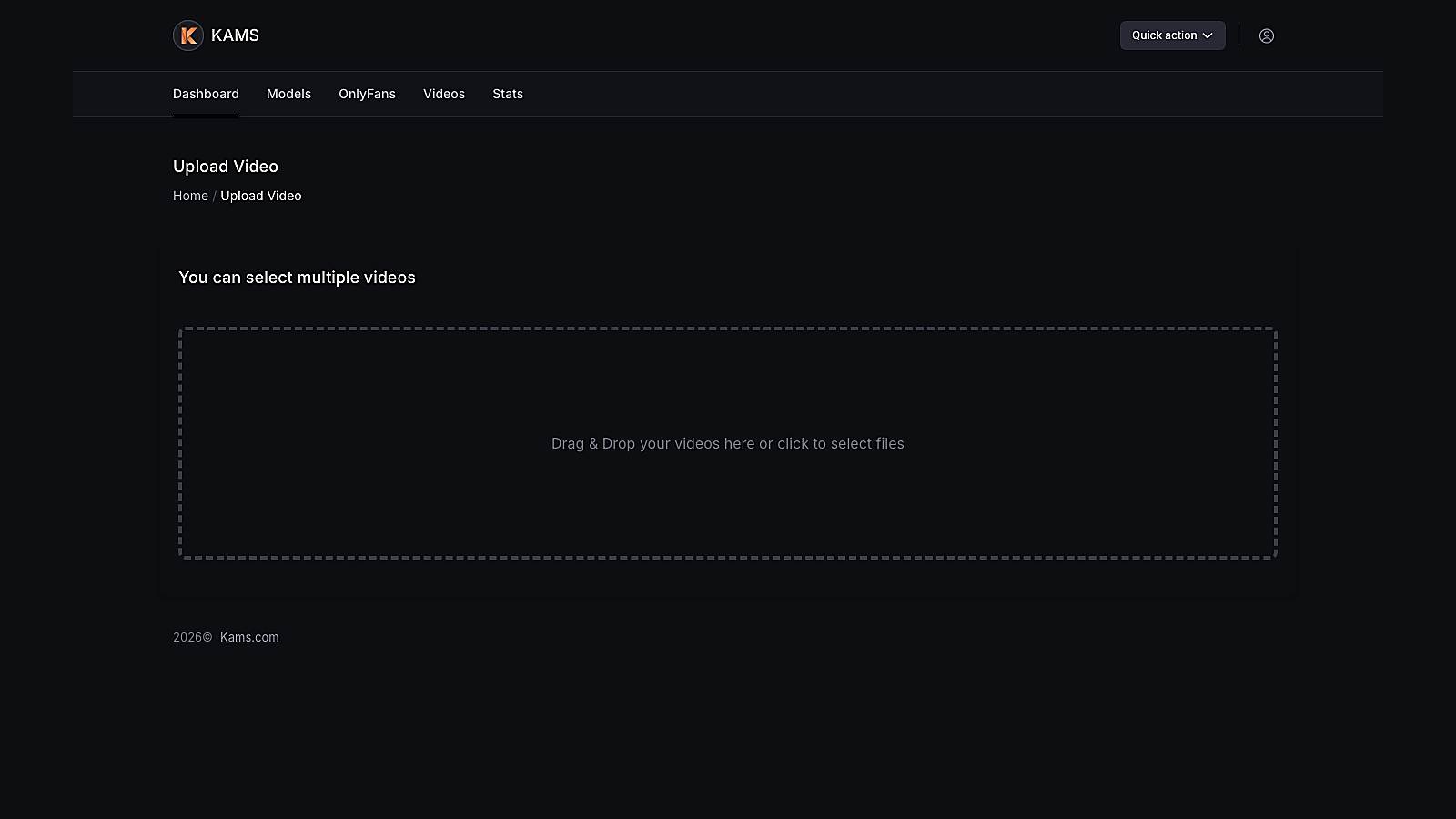
Promotion starts only after Kams knows who the model is, where her OnlyFans lives, and how the campaign is funded.